Office 2021 End of Support: What to Do Before 13 October
Bought Office 2021 as a one-off purchase? Microsoft stops patching it next Tuesday. Here's how to check which PCs are affected and the sensible ways to move on.
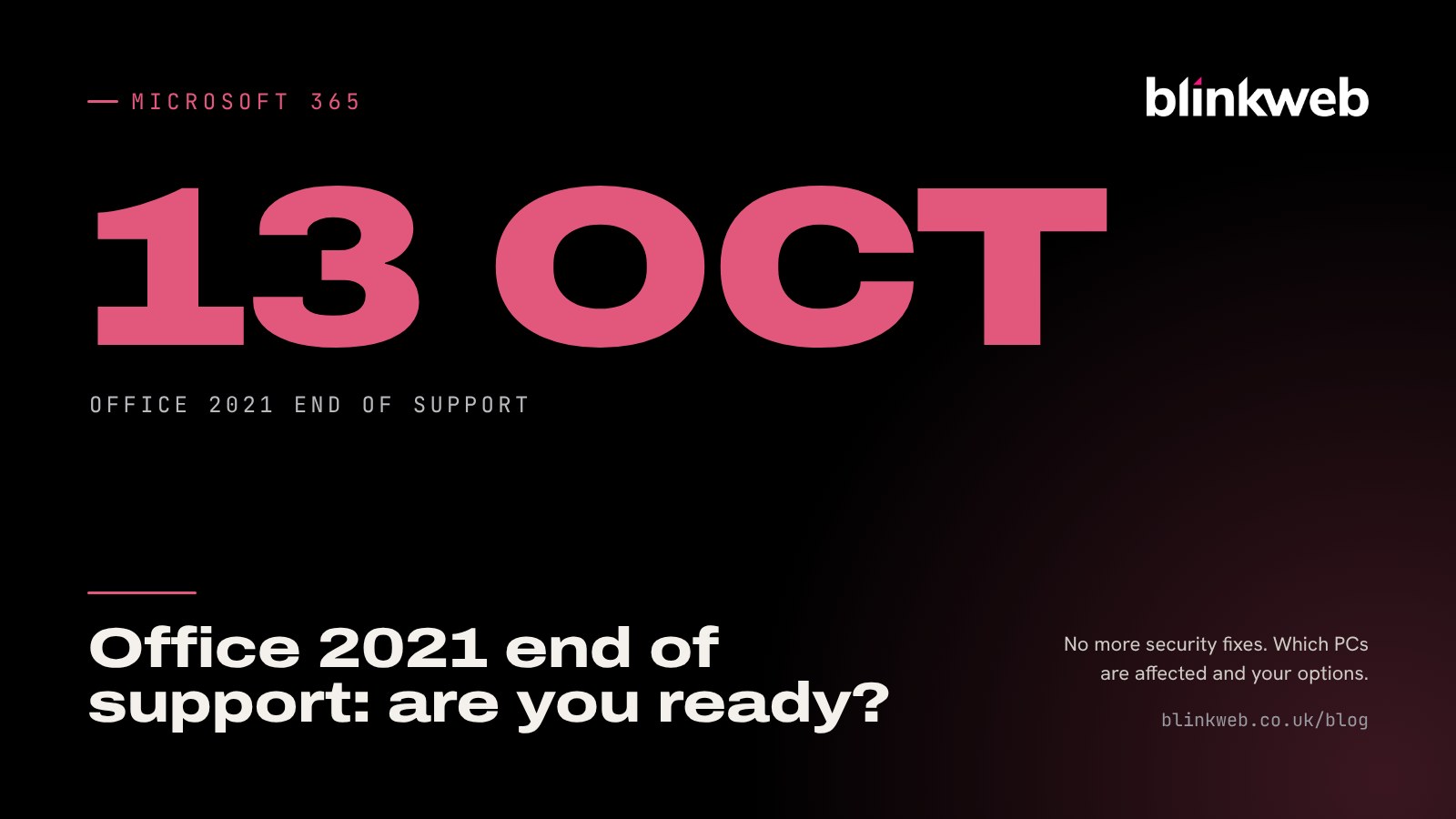
If your team opens Word, Excel or Outlook from a copy of Office you paid for once, rather than a monthly subscription, it's worth checking which version it is this week. Office 2021 end of support arrives on Tuesday 13 October 2026, and after that date Microsoft won't fix any new security holes in it. There's no extension and no paid extended security programme, so for most small businesses the time to decide is now.
The good news is that nothing switches off. Your documents stay where they are and the apps still open. The problem is quieter than that, and it's one we see a lot in small offices: software that keeps working long after it has stopped being safe.
Who's affected?
The deadline covers every edition of Office 2021 sold to homes and businesses, on both Windows and Mac:
- Office Home & Student 2021
- Office Home & Business 2021
- Office Professional 2021
- Office LTSC Standard 2021 (the volume licence version some businesses buy in bulk)
You're not affected if your staff get their Office apps through a Microsoft 365 business plan. Those apps update themselves every month and aren't tied to a version year.
If you're still on Office 2016 or Office 2019, you're already a year behind: both reached end of support on 14 October 2025.
How to check which version you have
It takes about 30 seconds per computer:
- Open Word and choose File, then Account (on a Mac, choose Word in the menu bar, then About Word).
- Look under Product Information.
- If it names "Office 2021", "Office Home & Business 2021" or "Office LTSC 2021", that machine needs a plan. If it says "Microsoft 365", you're fine.
Do every PC and laptop, including the one in the back office that nobody uses much. Mixed setups are common, especially when a few machines were bought at different times with Office bundled in.
What changes after 13 October?
According to Microsoft's own end of support notice, Office 2021 will no longer get:
- security fixes for newly discovered vulnerabilities
- bug fixes and software updates
- phone or chat technical support from Microsoft
The apps carry on running. That's exactly why this is easy to ignore, and why it matters.
Why an unpatched Office is a real risk
Most attacks on small businesses don't start with someone "hacking in". They start with an email attachment that looks like an invoice, a CV or a delivery note. Office is the program that opens those files, so a hole in Word or Excel is one of the most direct routes into a business. Once Microsoft stops patching Office 2021, any flaw found from 14 October onwards stays open on your machines for good.
There's a paperwork side too. Cyber Essentials, cyber insurance questionnaires and larger customers' supplier checks increasingly ask whether all your software is still supported. "Yes, apart from Office" is an awkward answer to give.
Your options to replace Office 2021
There's no single right answer. It depends on how your team works.
Option 1: Move to Microsoft 365 (best fit for most small businesses)
A Microsoft 365 business plan gives everyone the latest desktop apps, which never reach a "version end" because they update continuously. Most plans also bundle business email, OneDrive and SharePoint storage and Microsoft Teams, so it often replaces several separate bills. If you're weighing this up, our guide on whether to move your business email to Microsoft 365 covers the wider benefits.
Option 2: Buy Office 2024
If you'd rather pay once, Office 2024 is the current one-off version. Microsoft's lifecycle page shows it supported until October 2029. It's a good choice for a machine that rarely goes online or for someone who only needs Word and Excel, but you'll be back here in three years.
Option 3: Keep using Office 2021 (not recommended)
You can, and the apps will keep opening. If you do, treat those PCs as higher risk: make sure email filtering, antivirus and backups are in good shape, and set yourself a firm date to replace it. We'd only suggest this for a short, planned overlap.
A simple plan for this week
Here's how we'd approach it for a typical office of 5 to 20 people:
- Make a list. Every computer, who uses it and which Office version it runs.
- Check your licences. Find the Microsoft account or product keys used to buy Office, plus any Microsoft 365 plans you already pay for. Some businesses discover they're paying for Microsoft 365 and still running Office 2021 on some PCs.
- Look for awkward files. Macros, add-ins from industry software, Access databases and custom templates are the things most likely to need testing.
- Try one machine first. Upgrade a single PC, check that everything that person uses still works, then do the rest.
- Remove the old version. Uninstall Office 2021 once the new apps are in place, so nobody accidentally opens files in it.
Still on Windows 10 as well?
Office Watch notes that 13 October is also when Microsoft widens the freeze on new Microsoft 365 app features for Windows 10 PCs. If a machine needs both a new Office and a new operating system, it may make more sense to replace the computer than to patch around it. That's worth factoring into the same plan.
How Blink Web can help
With 30+ years of combined experience supporting UK offices, we can take this off your plate:
- Microsoft 365 setup and licensing: we'll pick the right plan, move your email and files across and install the apps on every machine, with no downtime.
- Ad-hoc IT support: a one-off visit or remote session to audit your PCs and replace Office, with no contract.
- Managed IT helpdesk: if you'd rather not think about end of support dates again, we track them and handle updates for a fixed monthly fee.
- Managed cyber security: extra protection for any machine that has to stay on older software for a while.
Not sure where to start? Get in touch and we'll give you a straight answer on what you need before 13 October, and what can wait.
Sources: Microsoft Support: End of support for Office 2021, Microsoft Learn: Office 2021 lifecycle, Microsoft Learn: Office LTSC 2021 lifecycle, Microsoft Learn: Office 2024 lifecycle, Office Watch: October 2026 Office changes.