Should You Move Your Business Email to Microsoft 365?
Why so many UK small businesses run their email and files on Microsoft 365, from Teams and UK data centres to built-in security and working from anywhere.
If your business email still runs on an old hosting account, a personal Gmail or a server in the office, Microsoft 365 is worth a serious look. It's what most UK small businesses now use for email, files, calls and meetings, and once you see what's included it's easy to see why.
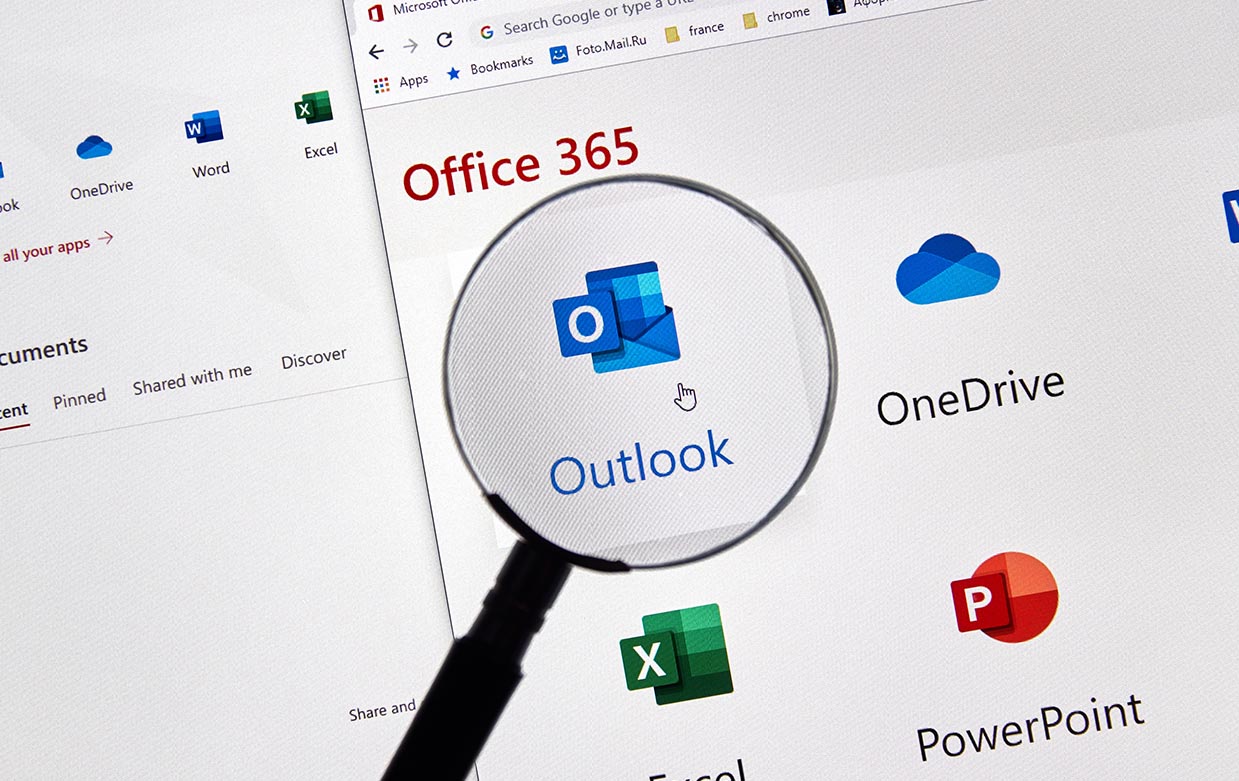
Microsoft 365 (previously called Office 365) gives you professional Exchange Online email, OneDrive and SharePoint for your files, Microsoft Teams for chat, calls and video meetings, and the familiar Office apps such as Outlook, Word and Excel. Microsoft runs and maintains it all, so you can focus on your business rather than your servers.
Why move to Microsoft 365?
Work from anywhere, on any device
Email, files, calendars and meetings are all in the cloud, so your team can work from the office, home or on the road. It works on Windows PCs, Macs, iPhones, iPads and Android devices, and everything stays in sync.
Microsoft Teams for chat, calls and meetings
Teams brings your team chat, video meetings and file sharing into one place, and it's included in most business plans. Share and edit documents together in a meeting, keep project conversations out of busy inboxes, and add Teams Phone if you'd like to replace your office phone system too.
Your data stays in the UK
Microsoft stores data for UK business customers in its UK data centres in London and Cardiff. That makes it simpler to meet your UK GDPR responsibilities and to answer customers who ask where their data is kept.
Security built in
Microsoft 365 includes spam and malware filtering, and supports two-step login, which stops the vast majority of account takeovers. Business Premium plans add advanced protection such as Microsoft Defender for Business, device management with Intune and protection against dangerous links and attachments. Set it up properly with SPF, DKIM and DMARC and it's also much harder for criminals to send fake emails in your name.
One thing to know: Microsoft keeps the service running, but it isn't a full backup of your data. Deleted or encrypted emails and files can still be lost, so we recommend a separate Microsoft 365 backup.
Always up to date
There's nothing to install or upgrade. New features and security updates arrive automatically, with no downtime and no extra cost.
Reliable email delivery
Emails sent from Microsoft 365 are trusted by other mail providers, so they're far less likely to end up in spam than emails sent from a basic hosting account. That matters even more for shops and membership sites that send order confirmations and receipts.
Predictable cost
Plans are charged per user per month, so you only pay for the people who need it, and you can add or remove users as your team changes. For most small businesses, Microsoft 365 Business Standard (with Teams and the desktop Office apps) or Business Premium (with the extra security) is the right fit.
How do I make the switch?
Moving your email can be done with no lost emails and no downtime if it's planned properly. That means copying your existing mailboxes, setting up your domain's DNS records, then switching over at a quiet time and setting up everyone's devices.
Some businesses do this themselves, but it's easy to miss a step, especially with several users or shared mailboxes. We've moved more than 100 businesses to Microsoft 365 and can handle the whole move for you, from licensing to setting up Teams.
See our Microsoft 365 services or get in touch for a friendly, no-obligation chat.