Google Spam Update Is Done: What It Means for Your Website
Google's latest spam clean-up took nearly two weeks to finish. If your enquiries or traffic have dipped since late September, here's how to tell whether it's linked and what to fix.
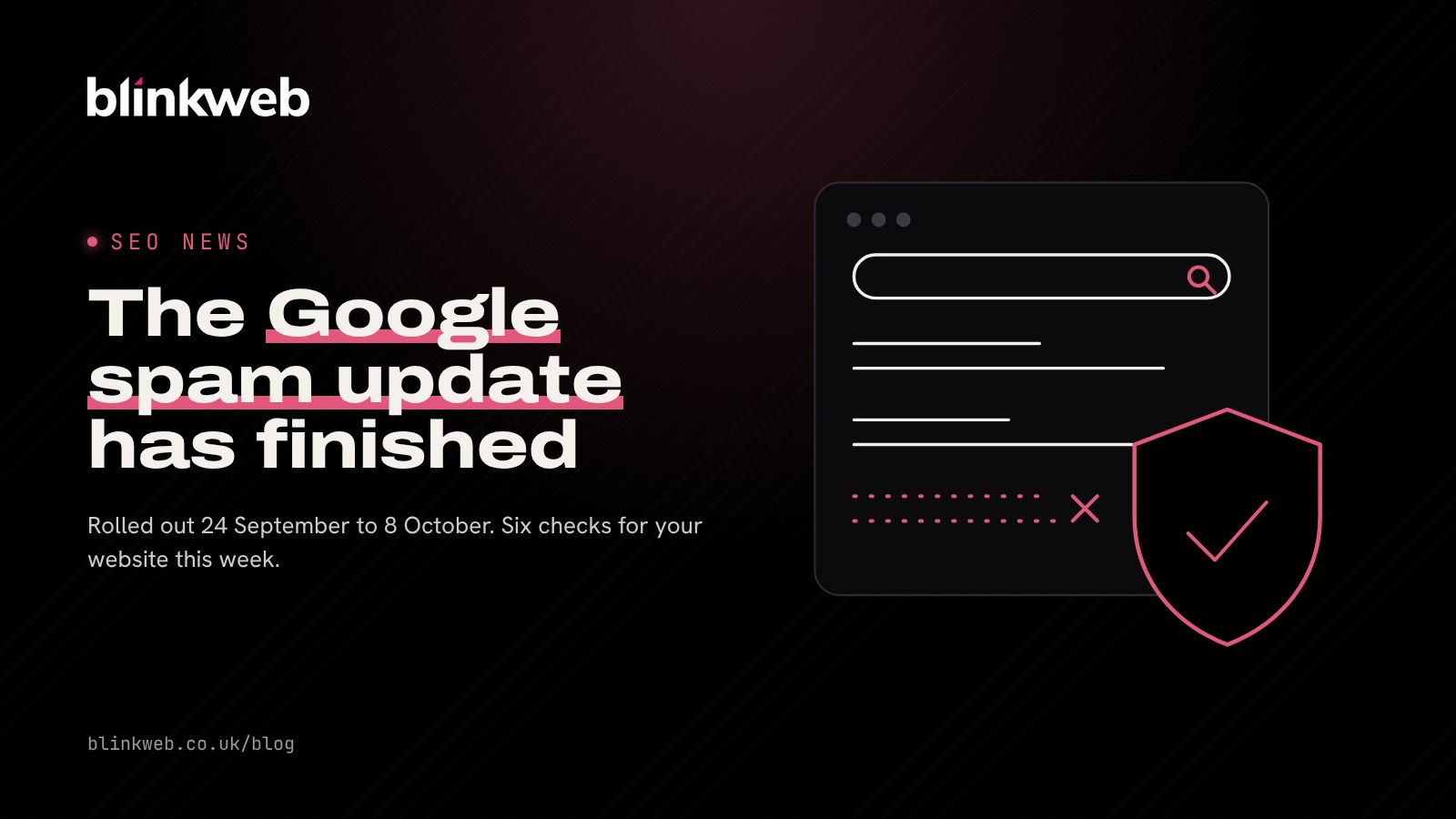
If your phone has gone a bit quiet since late September, it's worth a look at Google. The September 2026 Google spam update finished rolling out on 8 October, after almost two weeks. Most honest small business websites will have sailed through. But a site that has been hacked, carries pages you didn't write or was built by churning out lots of near-identical pages is exactly what this kind of update can push down the results.
Here's what happened, how to tell whether it touched your website and six practical checks to make this week.
What was the September 2026 spam update?
Google is constantly filtering spam out of its results using automated systems. Every so often it makes a bigger improvement to those systems and announces it as a spam update. This was the fourth one of 2026.
The key facts:
- Started: 24 September 2026
- Finished: 8 October 2026, a rollout of 13 days and 16 hours, as reported by Search Engine Journal
- Where: worldwide, in every language, so UK sites are included
- What changed in the rules: nothing new. Google didn't announce any new policies and didn't name which existing ones it focused on
That length stood out. The earlier spam updates this year finished within about three days, so this one kept rankings moving for longer than usual. Search Engine Roundtable noted that it wasn't aimed at link spam.
Did the Google spam update affect my website?
A drop in visits doesn't automatically mean Google has penalised you. School holidays, the weather and a competitor's new offer can all move enquiries. Before you worry, look at the evidence.
Check Google Search Console first
Search Console is Google's free tool that shows how your site appears in search. Compare clicks and impressions for the two weeks before 24 September with the period since 8 October. Search Engine Journal's advice is that a fall lasting several days, visible in both clicks and impressions, means more than a wobble in a rank tracking tool.
Check for a manual action
Google's automated spam updates don't send you a message. Manual actions, where a person at Google has reviewed your site, do. In Search Console, open Security and Manual actions. If it says "No issues detected", you haven't had a manual penalty.
Look at which pages lost traffic
If the drop is spread evenly across your site, it's more likely seasonal. If it's concentrated on a particular set of pages (say, fifty near-identical "web design in [town]" pages), that's a clue.
Which spam problems catch out small businesses?
Google publishes its spam policies for web search. Most of them describe things no small business would do on purpose, but a few can creep in without you realising:
- Hacked content: pages, links or redirects added by someone who got into your site. Out of date WordPress plugins are a common route in.
- User-generated spam: junk comments, fake forum posts or spam profiles on your site.
- Scaled content abuse: lots of low-value pages produced mainly to rank, which can happen when AI tools are used to mass produce location or service pages with little real substance.
- Expired domain abuse: buying an old domain to borrow its reputation for unrelated content.
- Keyword stuffing and hidden text: old-fashioned tricks that sometimes survive on sites built years ago.
Six checks to make this week
- Search for your own site. Type
site:yourdomain.co.ukinto Google and scroll. Look for pages you don't recognise, foreign language text or pharmacy and casino terms. Those are signs of a hack. - Update WordPress, themes and plugins. Delete any you no longer use.
- Review user content. Turn off comments you don't need, clear out spam and add a CAPTCHA to forms.
- Audit thin pages. If you have many pages that say almost the same thing, merge them or rewrite them with real detail about each service or area.
- Check for odd redirects. Visit your site on your phone from a Google search. If you land somewhere unexpected, that's a red flag.
- Keep a record. Note the dates of any changes you make so you can match them against Search Console later.
How long does recovery take?
Patience is needed. Google's guidance on spam updates says a site that fixes its problems may see improvements once its systems learn over "a period of months" that the site now complies. There's no switch to flip. If you've had a manual action, you can fix the issue and then ask for a review in Search Console.
The good news is that genuinely useful pages written for your customers, on a secure and well-maintained site, are exactly what Google says it wants to reward.
How Blink Web can help
With 30+ years of combined experience building and looking after websites for UK businesses, we can check your site properly:
- Free SEO health check: a quick report on your titles, sitemap, speed and mobile setup.
- Free website security check: see how your SSL, headers and email security look.
- Search engine optimisation: local, technical and on-page SEO that brings in real enquiries, without shortcuts that upset Google.
- WordPress maintenance: updates, backups and monitoring so hackers can't plant spam on your site.
- Free AI website detector: find out whether your pages read as AI-written.
Worried your rankings have slipped? Get in touch and we'll look at your Search Console data with you and tell you, honestly, what we find.
Sources: Search Engine Journal: Google completes September 2026 spam update, Search Engine Roundtable: Google September 2026 spam update is done rolling out, PPC Land: Google's spam update ends after nearly 14 days, Google Search Central: Spam policies for Google web search, Google Search Central: Google Search spam updates and your site.